Your corporation's T2, prepared the way an owner actually can.
CRA forms assume you already know the workflow. OPTAX turns your records into a review-ready T2 package, flags what's missing, and keeps CPA review optional.
 Records organizedReview-ready package
- Records
- Bank activity
- Receipts
- Statements
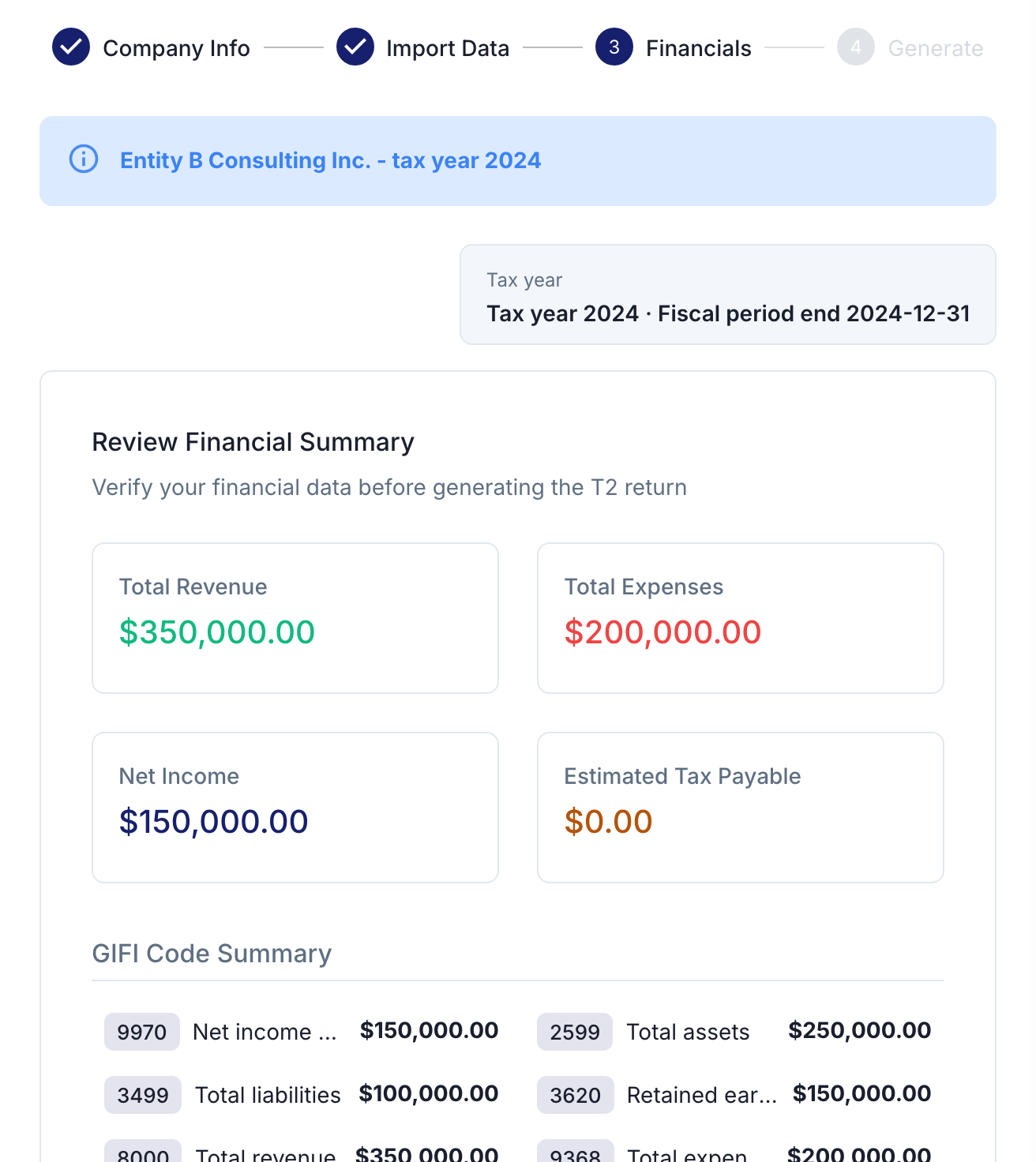
- GIFI mapped
- GIFI 8000 Revenue
- GIFI 9368 Expenses
- GIFI 9970 Net income
- Review
“Is this expense business-only?”
Needs reviewOwner confirms - PackageReview-ready T2 package
From your records to a review-ready T2 package
In your first session, OPTAX shows what's ready, what's missing, and how close you are to a complete T2 return — no tax background needed.
Records in
Add your bank statements, receipts, and last year’s return.
- Bank statementsFrom your bankAdded
- Receipts & invoicesPhotos or files you uploadAdded
- Last year's returnOne detail to confirmNeeds answer
AI reviews & asks
OPTAX maps your records to GIFI codes, runs readiness checks, and flags the blockers owners usually miss.
- Is this $4,200 transfer a shareholder loan or salary?Needs answer
- Once you answer, it's sorted.Resolved
Review-ready T2 package
Export a review-ready T2 package. You or your authorized representative review it and self-file through CRA channels.
- Your T2 return + schedules
- Notes for your review
BoundaryDirect CRA e-filing is in testing — not yet available in the standard product flow.
Why owners get stuck — and where OPTAX fits
CRA forms and My Business Account are filing channels, not a guided way to prepare the return.
A CPA is worth it for complex files — but costly and hard to book for a simple T2.
Bookkeeping software records transactions; it still doesn't produce a T2 package.
OPTAX is the guided middle: owner-led T2 preparation with readiness checks and optional CPA review.
You can see what happens to your records
See the data boundary, human review, and CRA self-file line.
- Data boundary: records stay in your account.
- Human review: you confirm before output.
- Direct CRA e-filing is in testing; the standard flow prepares a review-ready package first.
- Audit readback: records and rationale stay reviewable.
- No public training: your content never trains models.
Pick the plan that fits your return
Pick Lite or Professional by the return you need.
Lite
Prepare one corporation's T2 yourself — guided end to end.
Best for an owner-led, single straightforward return.
Professional
Deeper review for multiple entities, with CPA collaboration.
Best when returns get complex or a CPA reviews with you.